Task
I was trying to find out whether my city requires a permit for a small backyard fence.
Not a big fence. A 4-foot wooden fence. About 30 feet long. Nothing complicated. But my city has specific rules, and I wanted to know before I started building.
I asked an AI tool. It gave me an answer. The answer was wrong.
Tool and Date
Tool: A general-purpose AI assistant (free tier)
Date: September 10, 2026
Platform: Web browser
Original Input
Here's the exact question I asked.
"Does [my city] require a permit for a 4-foot wooden fence in a residential backyard? What are the rules?"
I included my city name. I described the fence. I asked for the rules.
Claim Under Review
The AI's answer included this sentence:
"In [my city], a permit is not required for fences under 6 feet tall in residential zones."
That was the claim. It was specific. It was confident. It was wrong.
Evidence
I checked the city's official website.
The city's planning department has a page about fence permits. It says:
"A permit is required for any fence over 3 feet tall in a residential zone."
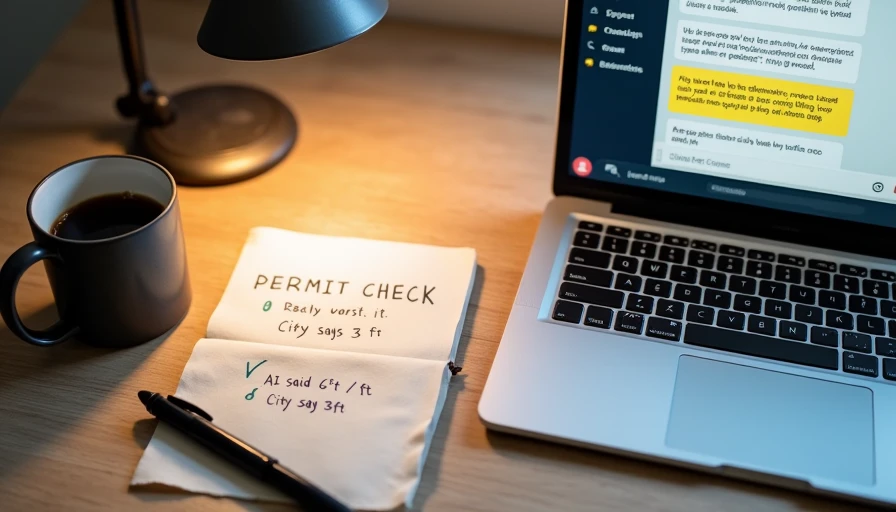
The AI said 6 feet. The city says 3 feet. My fence is 4 feet. So I do need a permit.
I also called the city planning office to confirm. They said the same thing. Permit required for anything over 3 feet.
I saved a screenshot of the city's webpage. I wrote down the name of the person I spoke to. I noted the date.
Finding
Confirmed error.
The AI gave me a specific number. That number was wrong. The correct number is 3 feet, not 6 feet.
The AI didn't cite a source. It didn't say "I'm not sure." It didn't suggest I check with the city. It just gave me a confident answer that happened to be wrong.
Risk
If I had trusted the AI answer, I would have built the fence without a permit.
What could have happened? A fine. A stop-work order. Having to tear down the fence and rebuild it. Maybe all three.
The risk wasn't huge. It was a fence, not a house. But it was real. And it was avoidable.
Lesson
Here's what I learned.
The AI didn't know my city's rules. It knew general rules about fences. But it didn't know my specific city's rules. It guessed. It guessed wrong.
The AI didn't flag uncertainty. It didn't say "rules vary by city" or "check with your local planning office." It just gave an answer.
I should have asked differently. Instead of asking "does my city require a permit," I should have asked "how do I find out if my city requires a permit." That would have prompted the AI to point me to the city's website, not give me a guess.
I should have checked first. I checked after. I should have checked before. The AI answer was a starting point, not an answer.
What I'm Asking the Community
How should I document this correction?
I want to post it somewhere. I want other people to see it. I want to help someone else avoid the same mistake. But I don't know the best format.
Should I include the exact AI output? Should I include the city's exact wording? Should I include a screenshot of the city's webpage?
I also want to know: what should the correction note look like? How do I say "the AI was wrong, here's the truth" without making it sound like I'm attacking the tool?
A Few More Details
I should mention: I'm not a lawyer. I'm not a permit expert. I'm just a homeowner who wanted to build a fence.
I'm also not saying the AI tool is bad. I use it every day. It's useful. It's just not an authority on local regulations. I should have known that. Now I do.
If anyone has experience with local permit questions, I'd love to hear how you handle them. Do you use AI? Do you call the city? Do you check the website first?
I'm trying to build a better habit. Any advice would help.
Comments
No comments yet — be the first to share a thought.